
SSO Setup with OIDC
Pro onlyConfigure your Identity Provider (IDP) and add the OIDC client details (
OIDC_AUTHLIB_OAUTH_CLIENTS) in Settings → Authentication Settings, or inapp.env. See application settings.- Microsoft Entra ID
- Google Workplace/Google Identity
- Keycloak
- Generic OIDC setup
- Need documentation for another IDP? Drop us a message at GitHub Discussions!
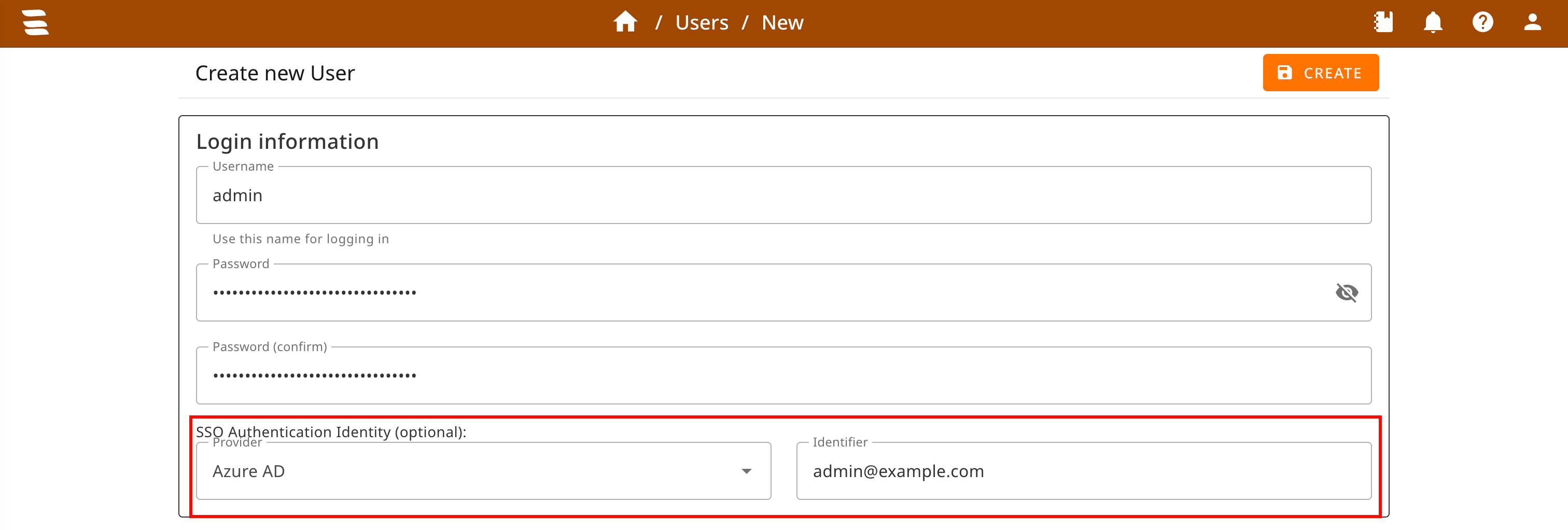
Set up local users:
a. Create user that should use SSO
b. Go to "Identities"
c. Add identity ("Add")
d. Select Provider and enter the SSO identifier provided by your IdP (default:email, configurable viauser_identifier_claim). Matching is case-sensitive and must use the same spelling and casing as the IdP returns.
The user can now log in via their IdP.