
Burp
Deprecated
CLI importers are deprecated. Import scan results from the SysReptor web UI using the scanimport plugin instead.
Examples
shell
cat burp.xml | reptor burp
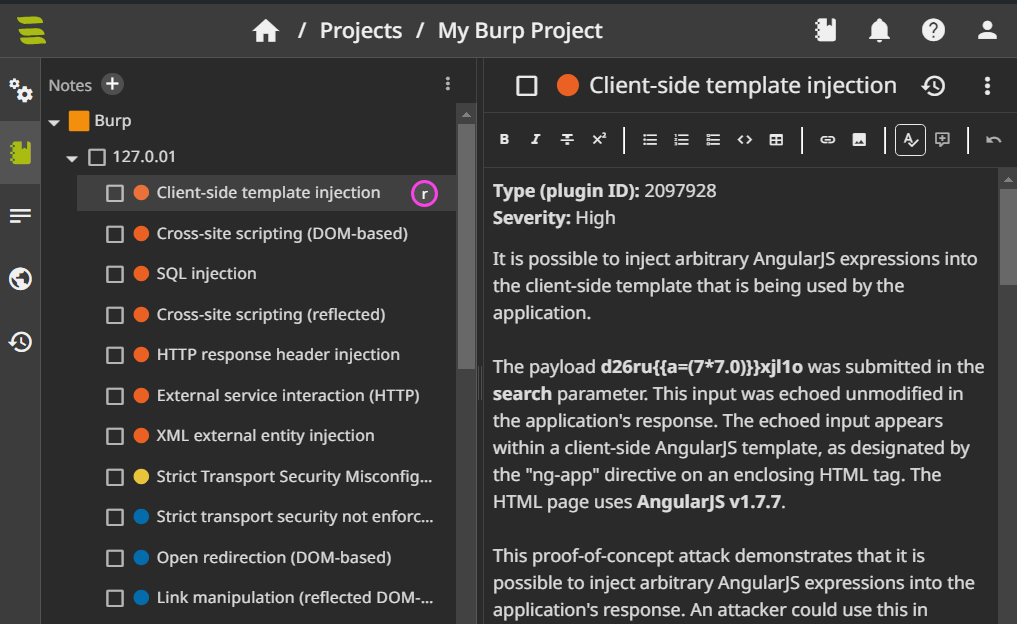
cat burp.xml | reptor burp --upload  # Upload findings as notes
cat burp.xml | reptor burp --push-findings  # Create findings from scan results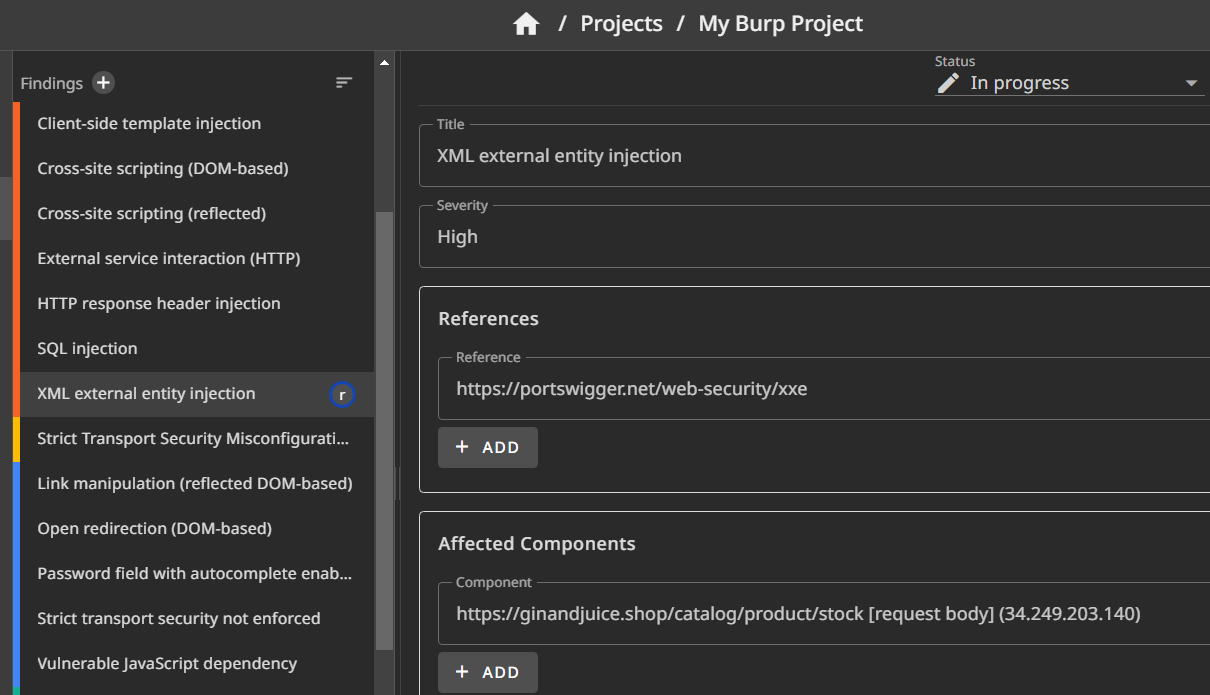
Filter your Burp results:
shell
cat burp.xml | reptor burp --filter-severity medium-high --push-findings
cat burp.xml | reptor burp --include-plugins 2097928,2097936 --push-findings  # Include only plugin IDs 2097928, 2097936
cat burp.xml | reptor burp --exclude-plugins 2097928,2097936 --push-findings  # Exclude plugin IDs 2097928, 2097936
reptor burp -i burp_1.xml burp_2.xml --push-findings # Use multiple input filesYou can add those filter settings to your config by running:
shell
reptor burp --confRetrieve the XML file
Export the scanning results from Burp Professional or Burp Enterprise.
Known limitations
All uploaded findings are rated as "Info"
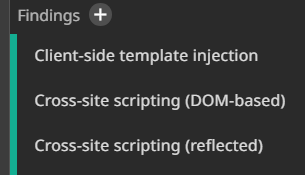
Burp scans/reports don't offer a CVSS score. If you use CVSS scores for severity ratings in your SysReptor reports, all findings are rated as "Info" because the CVSS vector is not available.
There are the following solutions:
- Add CVSS ratings manually after the upload
- Add CVSS ratings to your finding templates
- Change the risk rating in your SysReptor design from CVSS to severity
Usage
txt
usage: reptor burp [-h] [--conf] [-i [INPUT ...]]
                   [--format | --upload | --push-findings | --template-vars | --parse | --upload-finding-templates]
                   [--severity-filter SEVERITY_FILTER]
                   [--exclude EXCLUDED_PLUGINS] [--include INCLUDED_PLUGINS]

Burp vulnerability importer

options:
  -h, --help            show this help message and exit
  --conf, --config      Configure plugin settings
  -i [INPUT ...], --input [INPUT ...]
                        Input file, if not stdin (multiple files allowed)
  --format
  --upload
  --push-findings
  --template-vars       Print template variables (needed for finding template customization).
  --parse
  --upload-finding-templates
                        Upload local finding templates to SysReptor
  --severity-filter SEVERITY_FILTER
                        Filter findings by severity comma-separated ("info,low,medium,high") or as range ("medium-high")
  --exclude EXCLUDED_PLUGINS
                        Exclude plugin IDs, comma-separated
  --include INCLUDED_PLUGINS
                        Include plugin IDs, comma-separated; default: all are included